
AI Infographic Maker
Turn any idea into a stunning infographic in seconds. Just describe what you need and our AI will create professional visuals instantly.
Examples
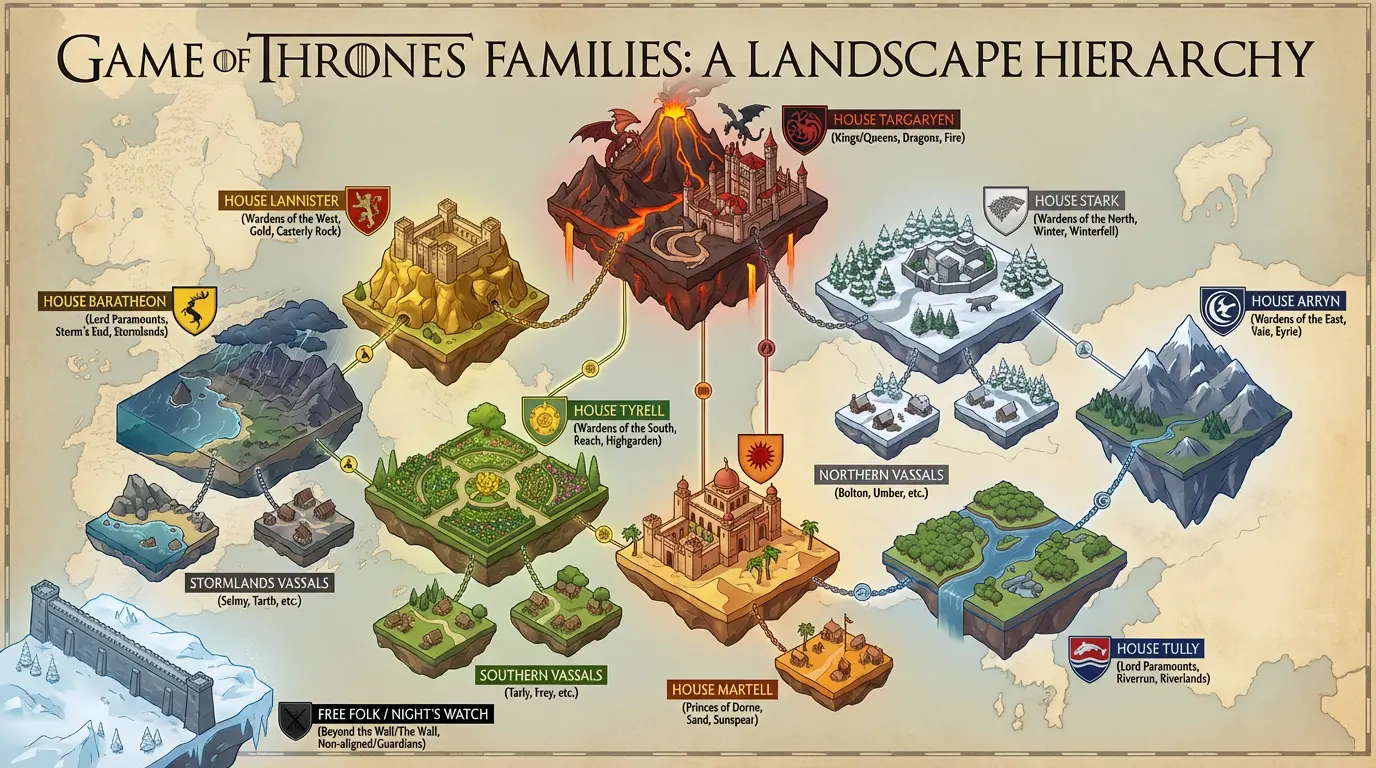
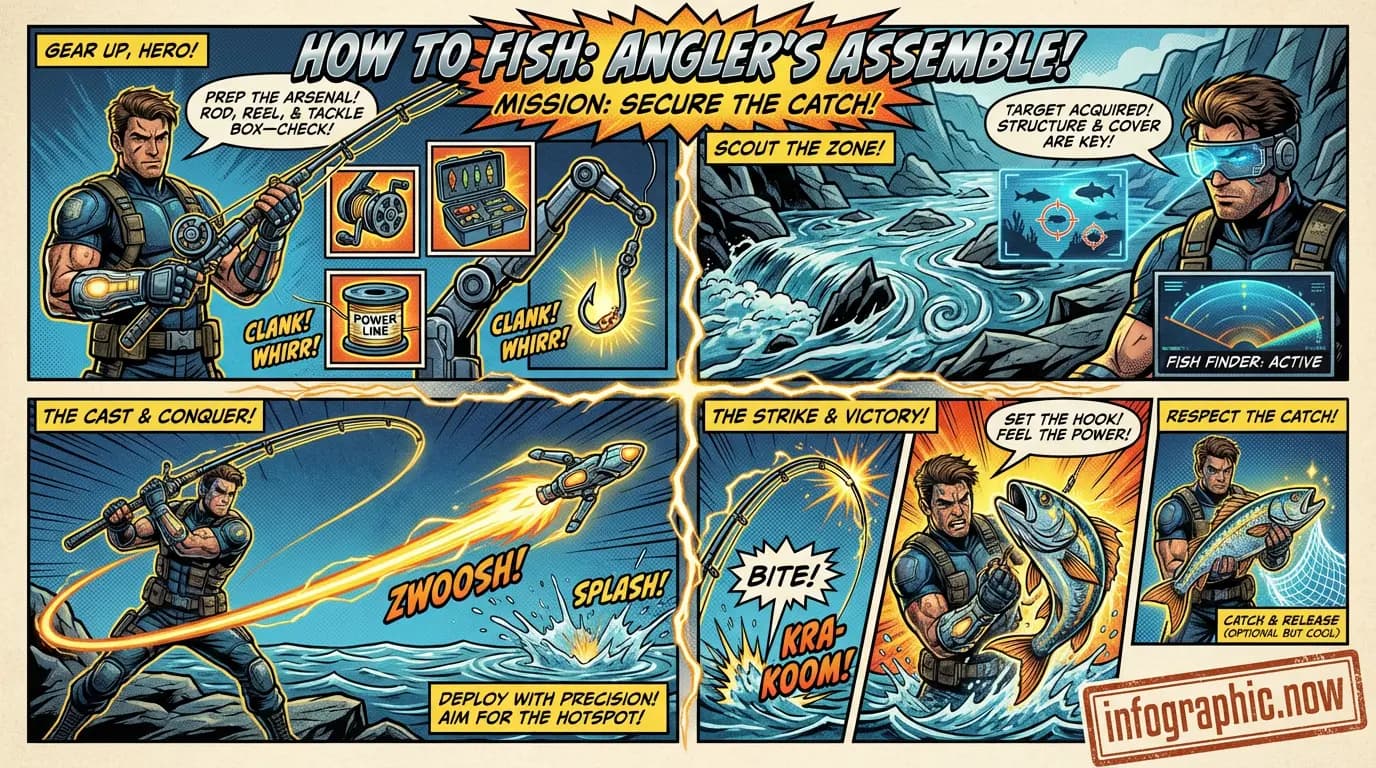
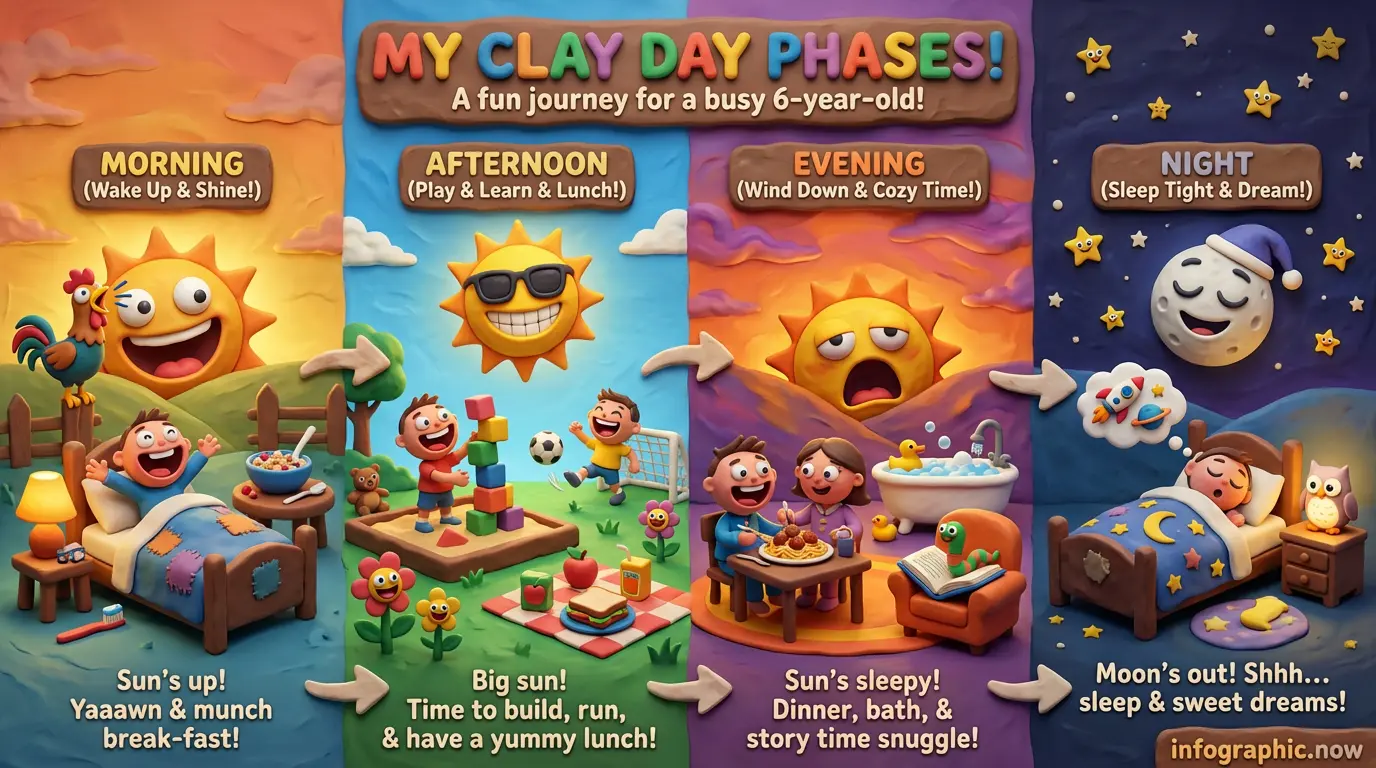
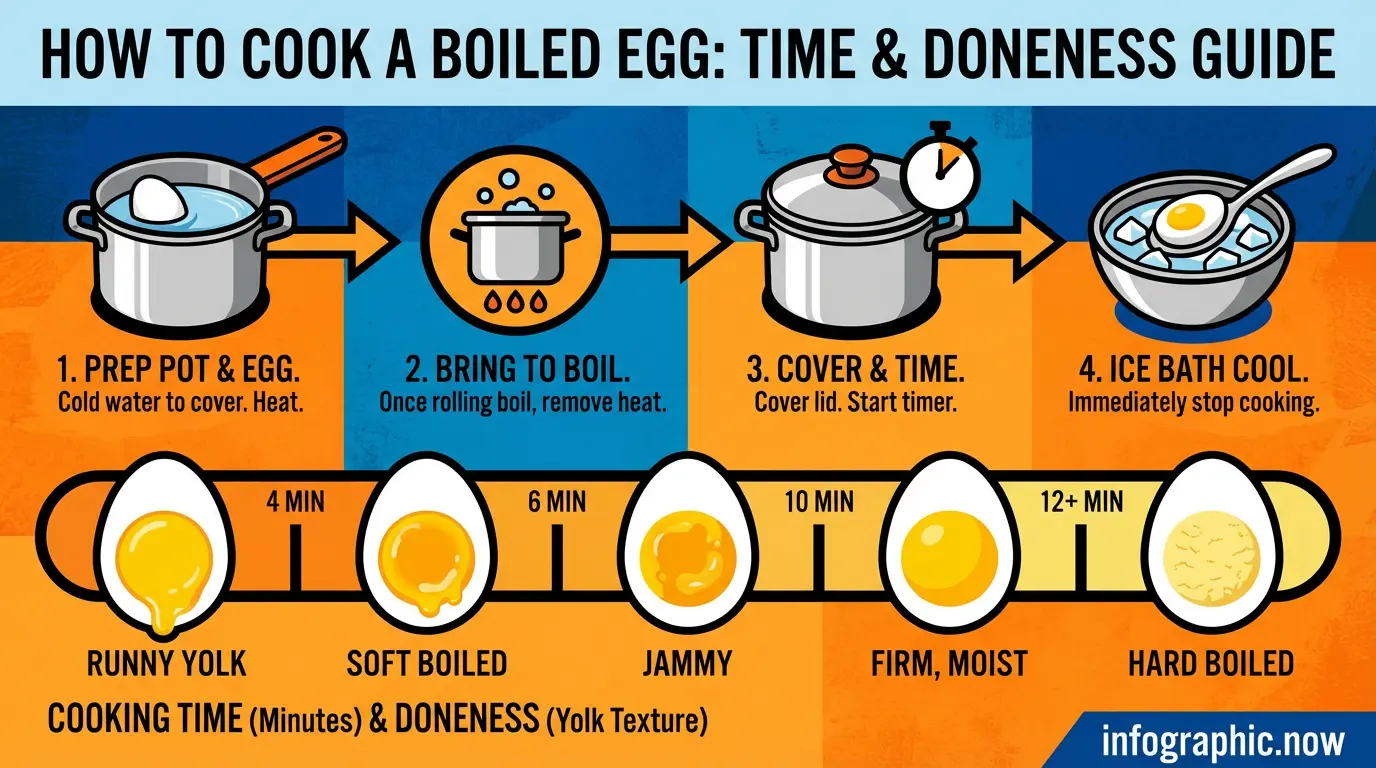
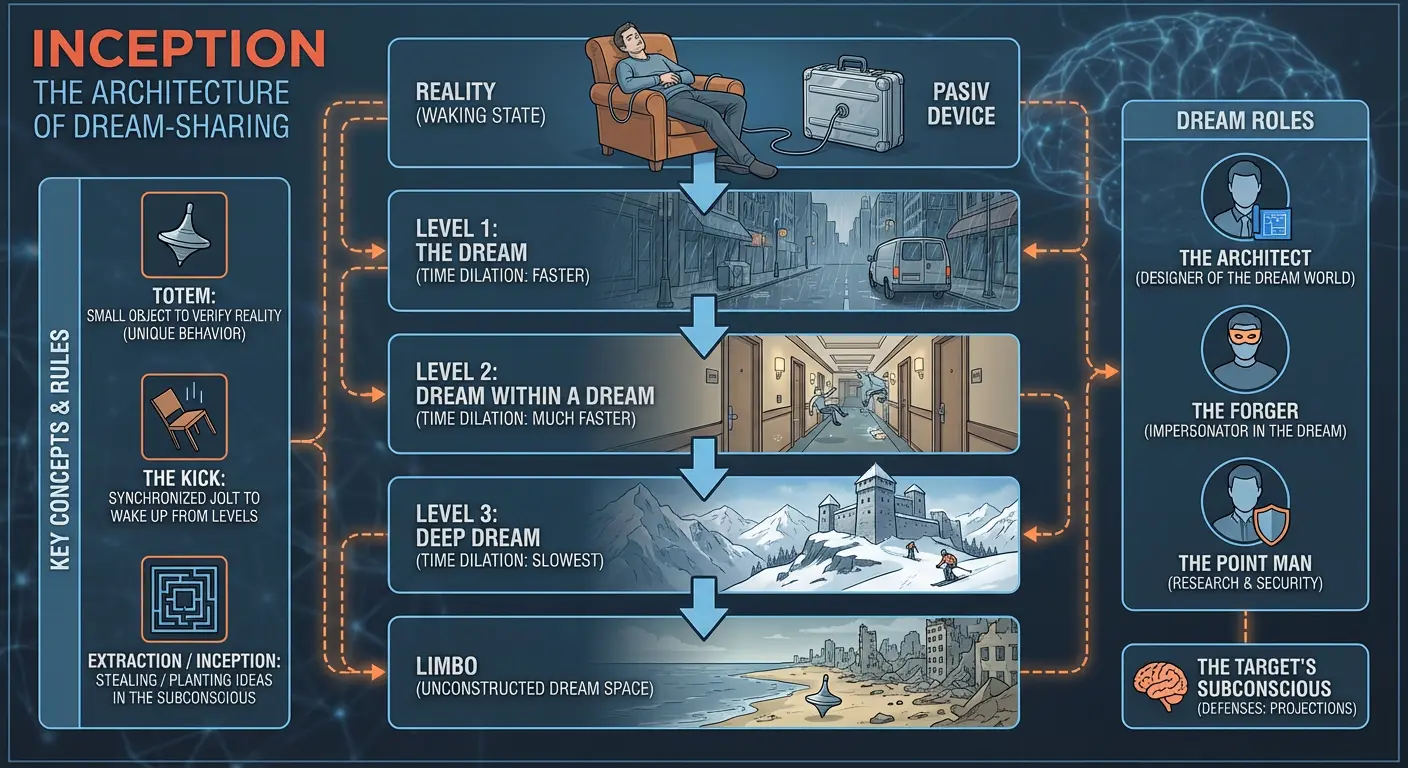
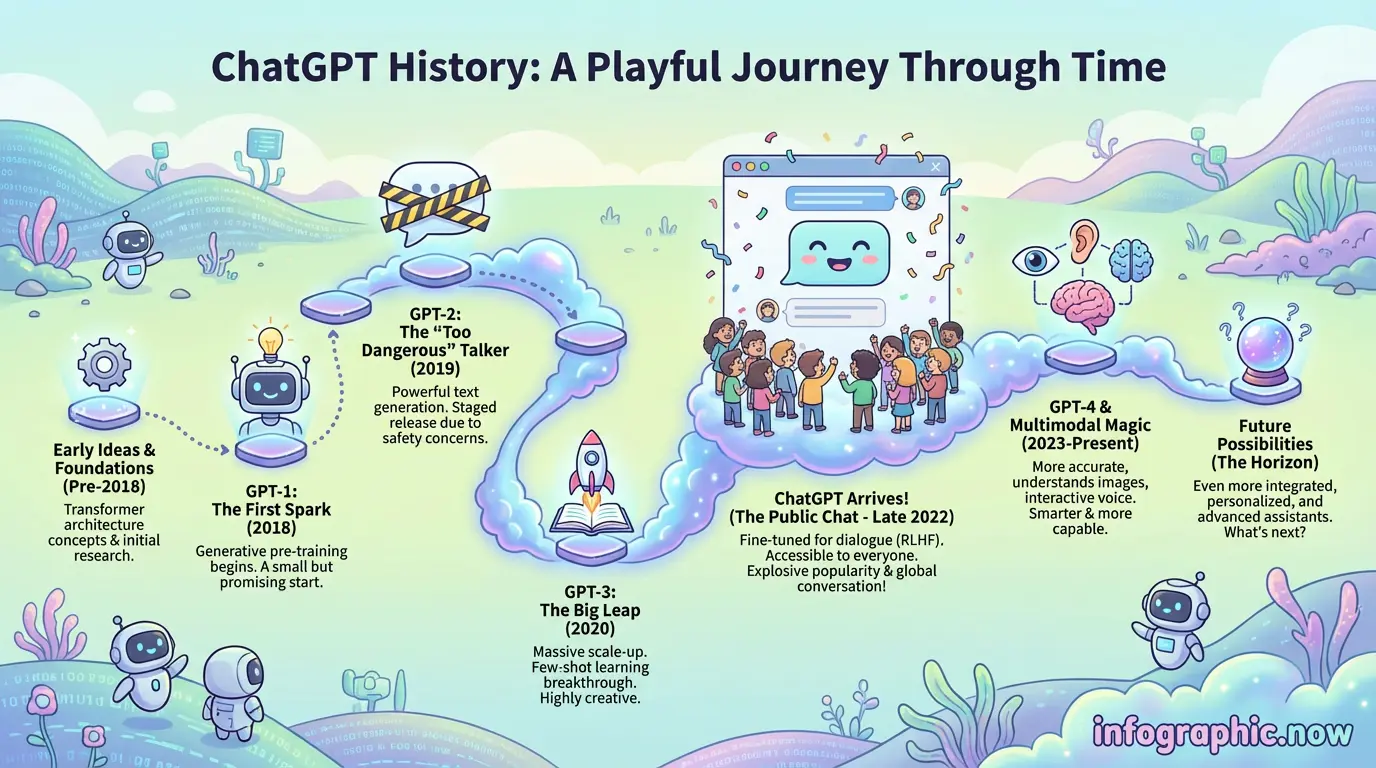
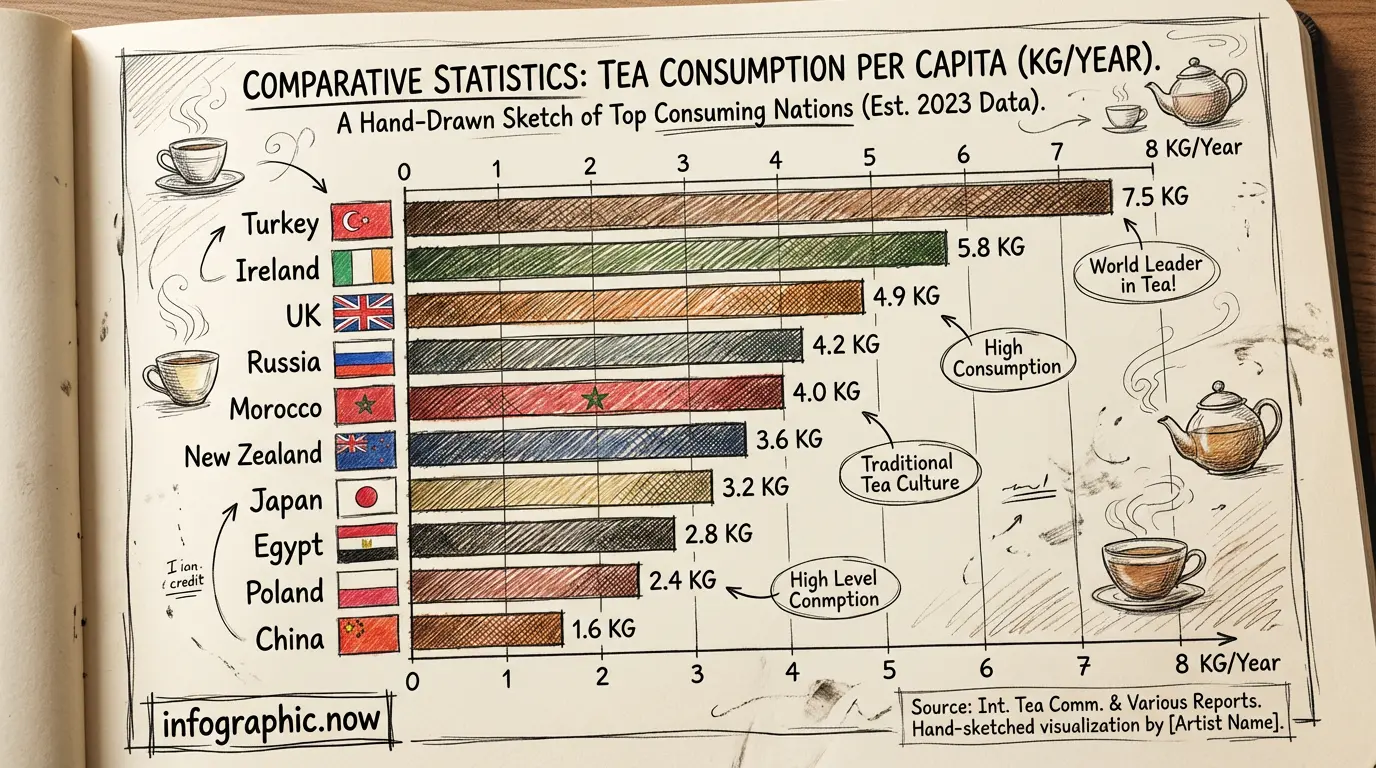
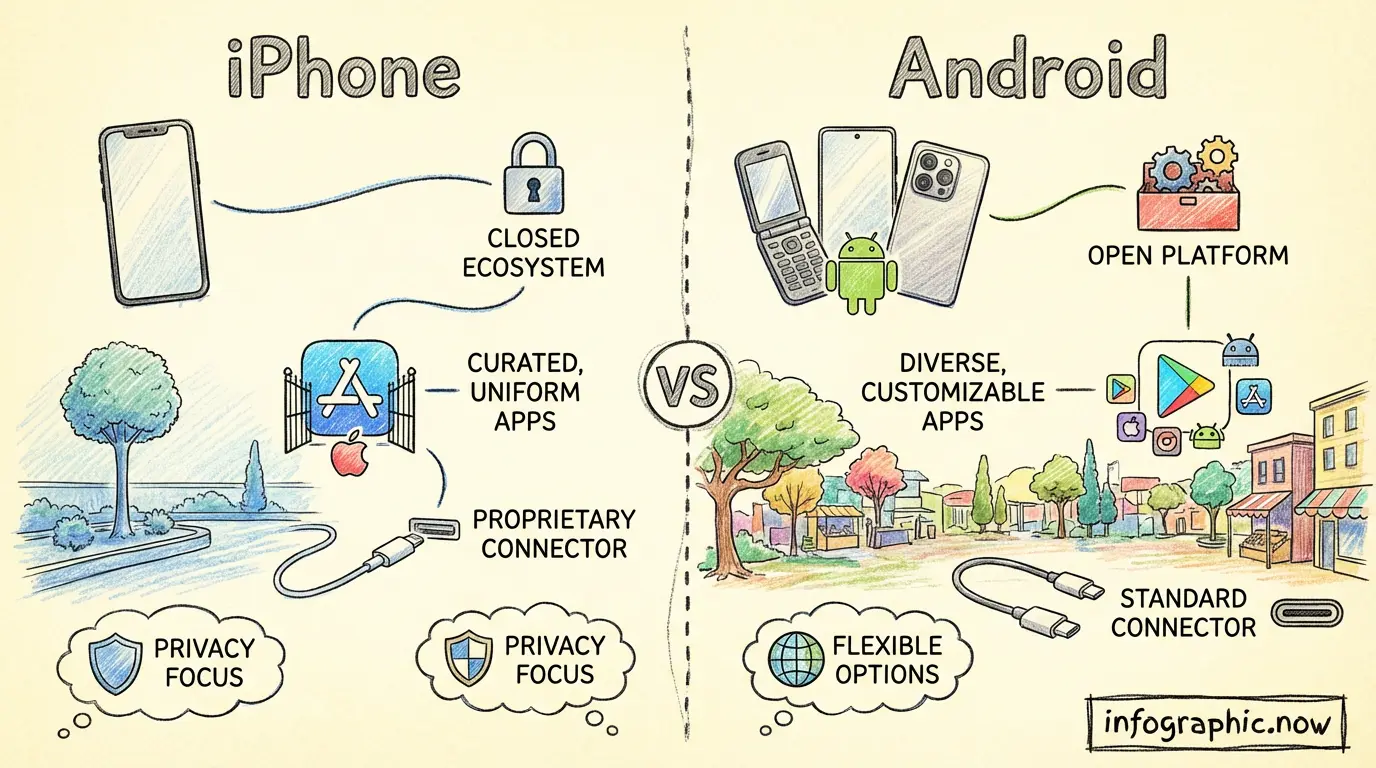
Features
Idea to Infographic in Seconds
Skip the tedious design process. Enter your topic and watch our AI create a polished infographic instantly. Start with an AI-generated template, refine your message, and bring your vision to life without any design skills.
Transform Any Content
Paste text, upload a PDF, DOCX, or TXT file—our AI turns it into a visual story. Long reports become clear graphics. Complex data becomes easy to understand. Your content, beautifully visualized.
Smart Visual Design
AI that understands your content and picks the right layouts, colors, and icons. No more staring at blank canvases or wrestling with design tools. Get professional results that match your message.
Edit and Customize
Fine-tune every element to match your brand. Swap colors, change fonts, move sections around. Start with AI-generated designs and make them uniquely yours in just a few clicks.
Common Questions & Answers
What is Infographic Now and how does it work?
Infographic Now turns your ideas into professional infographics using AI. Just describe what you want or upload any document—the AI analyzes your content and generates a custom infographic in seconds. No design skills needed.
Is Infographic Now free?
Yes! You can generate infographics for free right now. No credit card required.
Do I need to create an account?
No account required. Just visit the site and start creating infographics immediately.
What file formats can I upload?
Upload anything—PDFs, Word documents, text files, even entire books. There are no file size limits. The AI processes your content and transforms it into a visual infographic.
What format are the infographics exported in?
Infographics are generated in WebP format with high-quality resolution by default. You can also upscale to 4K for print-ready or large-format use.
Can I edit the infographic after it's generated?
Absolutely. Just describe what you want to change in plain text—adjust colors, move sections, change the layout, update text—and the AI will refine your infographic. It's that easy.
What languages are supported?
Any language. Create infographics in English, Spanish, Chinese, Arabic, or any other language. The AI understands and generates content in your preferred language.
What AI technology powers Infographic Now?
We use state-of-the-art image generation AI models to create unique, professional infographics tailored to your content.
Is my data secure?
Your uploads are processed securely and not shared with third parties. We take your privacy seriously and handle all data with care.